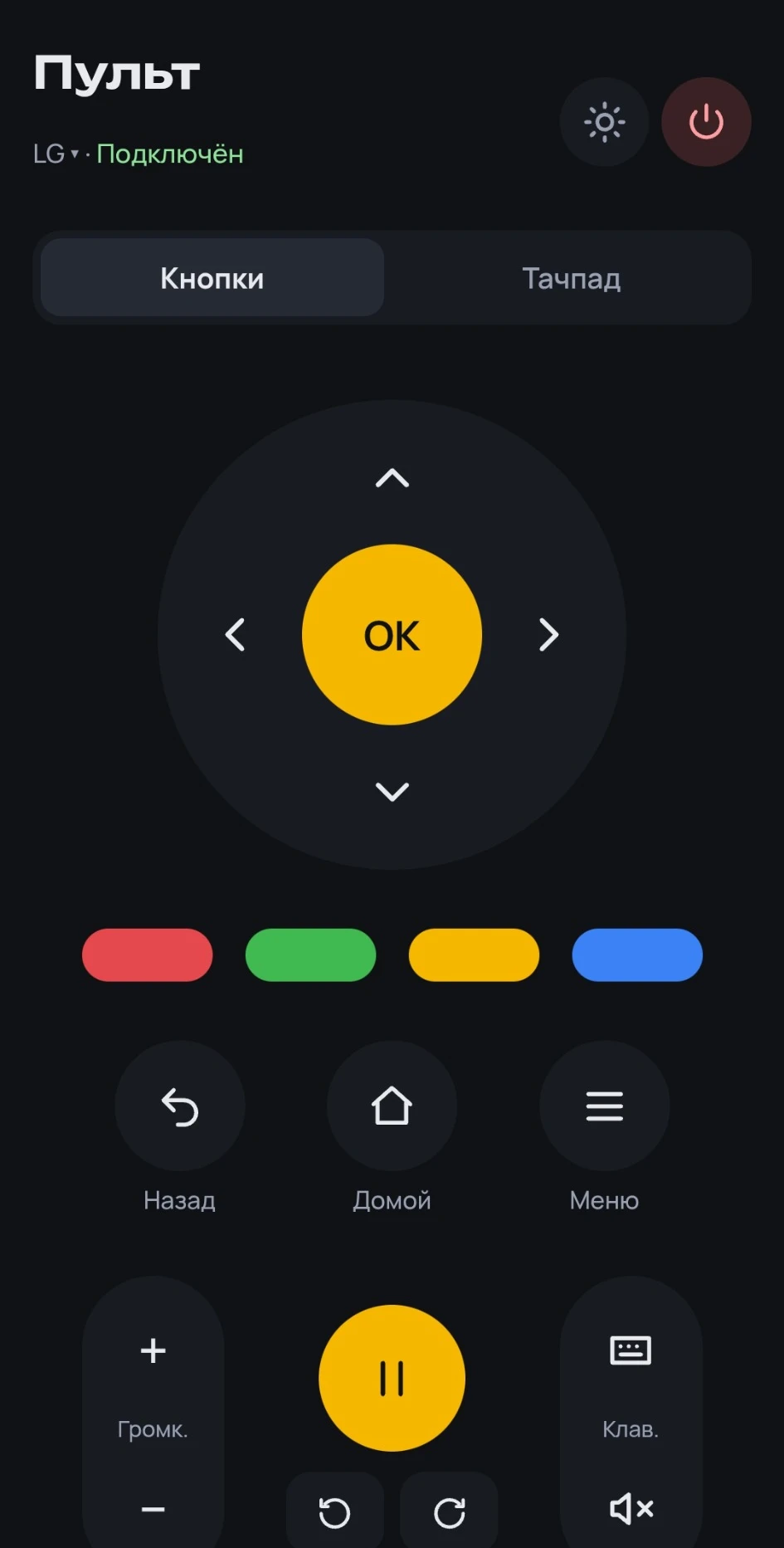
The phone is the remote and a second screen
Buttons, a touchpad, episodes, audio tracks and subtitles. Look for the next film without stopping the one that’s playing.
Try the remote OMP
OPEN MOVIE PLAYER
OMP
OPEN MOVIE PLAYER
Movies and series from TorrServer on LG webOS, Android TV and Android. Pick a title on your phone — watch in 4K, HDR and Dolby Vision.

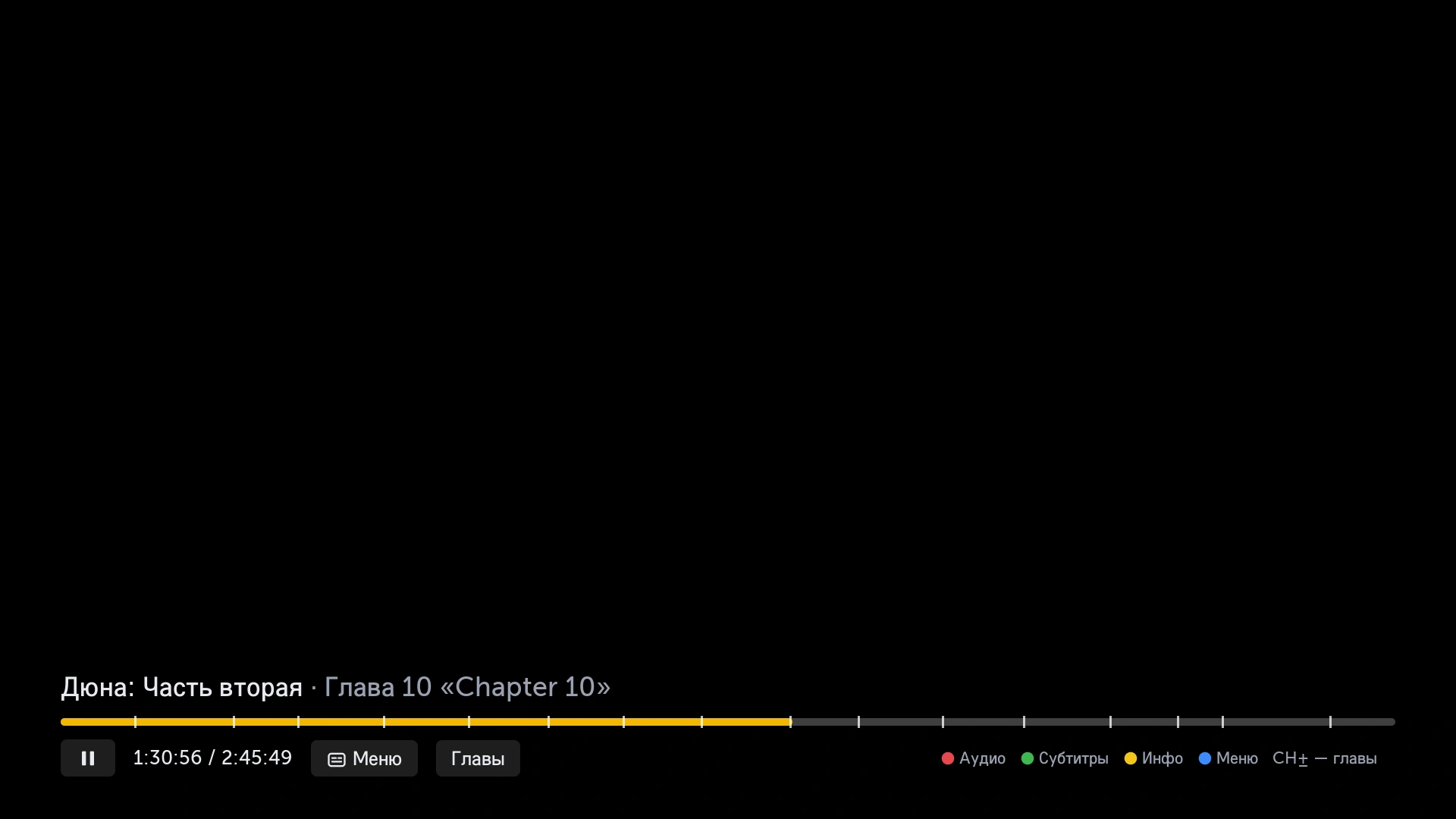 Paused
One player for the TV and the phone.
Your library, your server, your rules.
Buttons, a touchpad, episodes, audio tracks and subtitles. Look for the next film without stopping the one that’s playing.
Try the remoteThe built-in 2160 Player. A sharp picture, and sound out to your receiver — as in a cinema.
Now playingA shared watch history on every device. Start on the TV — finish on the phone.
See itNo server of your own? You don’t need one. The built-in TorrServer runs on the phone — no separate PC.
How to connectSearch every source at once. New releases, collections and descriptions — in Discover.
Open DiscoverJump by chapter, skip the intro, keep your audio track and subtitles. Series play straight through.
Open the catalog
The TV and the phone on one home network.
OMP shows you the rest.
Download the build for LG webOS, Android TV or Android from the latest release.
Point OMP at your server, or turn on the built-in TorrServer on the phone — no separate PC.
A QR code on LG, or a 6-digit code on Android TV. Pick a film — and sit down.
OMP is free and has no ads. Download it and set up your cinema in an evening.
LG webOS 4.0+ · Android TV · Android · Install guide